
Veo 3.1 · Text to video
Two person street interview in New York City. Sample Dialogue: Host: "Did you hear the news?" Person: "Yes! Veo 3.1 is now available on fal. If you want to see it, go check their website."
Use this prompt
Create a Veo video from a prompt, animate a starting image, or connect a first and last frame. Choose Veo 3.1 or Fast for motion and a dedicated image model for stills.
Seedance 2.5
Up to 30s clips with image, video and audio references.
Kling 4.0
Kuaishou's newest model: 3–30s clips at up to 1080p.
Wan 3.0
Up to 30s clips with native audio and lip-synced dialogue.

GPT Image 2.5
Generate and edit images with OpenAI's newest model.

Nano Banana 2.1
Google's image model: sharper detail and cleaner text.
Seedance 2.0
Multi-shot cinematic video with native audio and lip sync.
Two person street interview in New York City. Sample Dialogue: Host: "Did you hear the news?" Person: "Yes! Veo 3.1 is now available on fal. If you want to see it, go check their website."
Use this promptA monkey and polar bear host a casual podcast about AI inference, bringing their unique perspectives from different environments (tropical vs. arctic) to discuss how AI systems make decisions and process information. Sample Dialogue: Monkey (Banana): "Welcome back to Bananas & Ice! I am Banana" Polar Bear (Ice): "And I'm Ice!"
 Use this prompt
A woman looks into the camera, breathes in, then exclaims energetically, "have you guys checked out Veo3.1 First-Last-Frame-to-Video on Fal? It's incredible!"

 Use this prompt
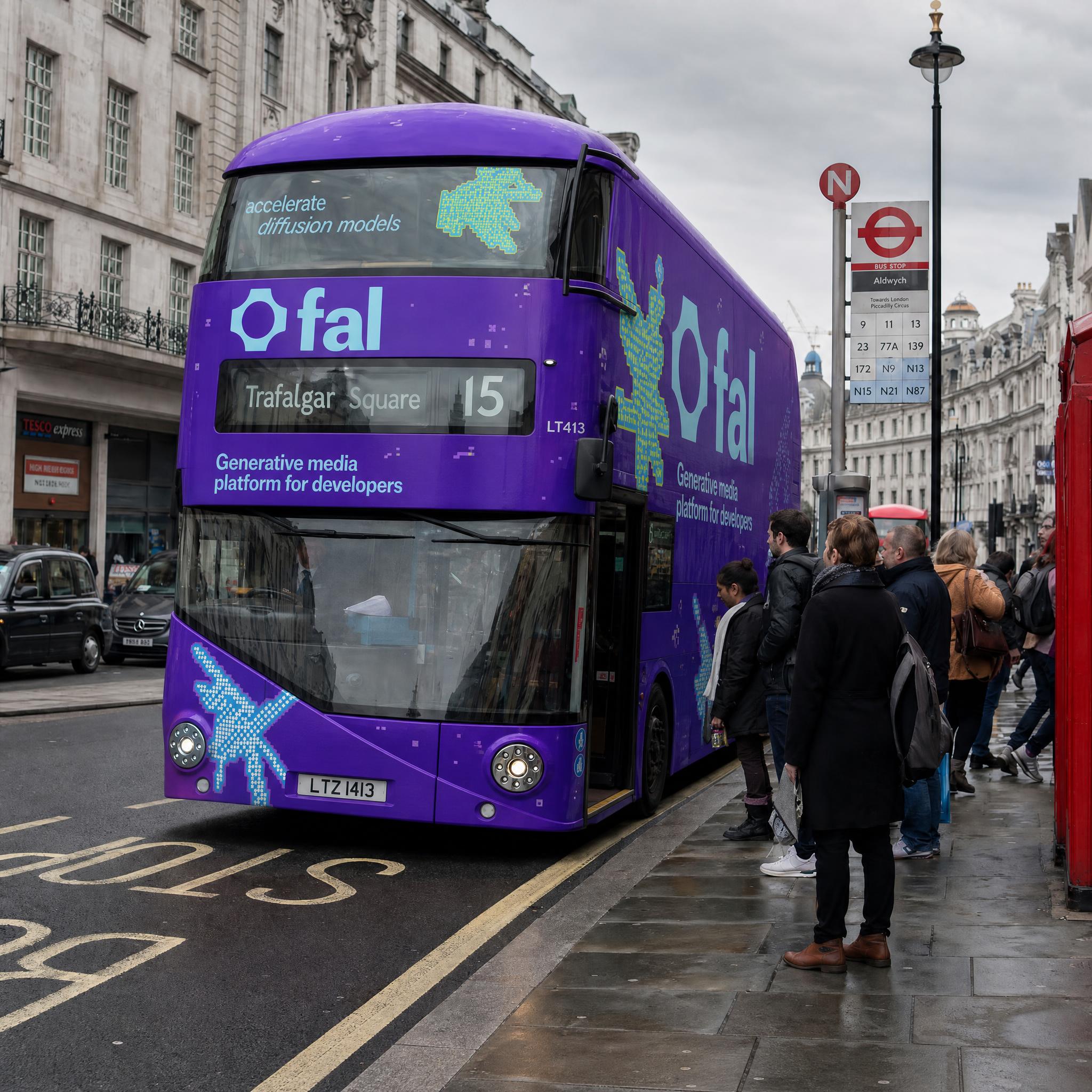
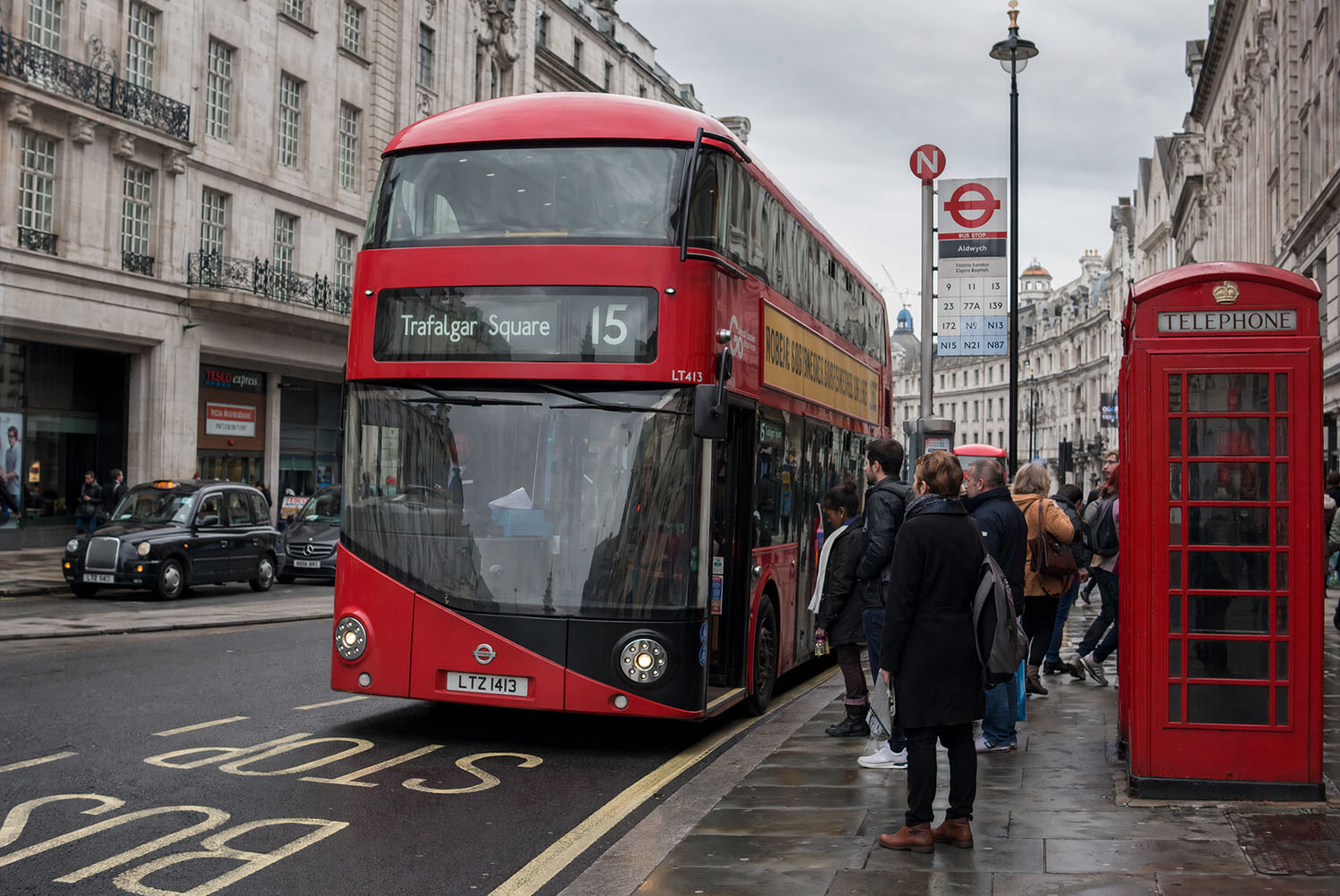
Wrap the double-decker bus from the first image with the exact branding design from the second image as a full bus livery. Keep the street scene, people, and background unchanged.
 Use this prompt
Unlike traditional workflows that generate silent video first and add audio later, Veo uses a unified multimodal architecture to gener...
Veo gives creators deep control over visual details, making it a true creative tool rather than a random generator.
Veo is built with strong logical understanding and narrative capability, going beyond single-shot generation.
Veo shows a deeper understanding of real-world physical behavior.
Currently available models: Seedance 2.5, Seedance 2.0, Seedance 2.0 Fast, and Seedance 2.0 Mini.


Tell us what you make each month and we’ll point you to the plan that covers it.
Pick everything that applies
5 Seedance 2.5 videos35 credits
15 Seedance 2.0 videos75 credits
10 Nano Banana Pro images60 credits
Anything else you need
We recommend Pro
Billed annually, cancel anytime
Save $174 a year vs monthly
Have another question? Reach us at hi@veo.movie.
Last updated: Oct 24, 2026
Google DeepMind develops Veo. Veo.movie is an independent creative workspace that lists Veo alongside other video models. Start in AI Video to choose the standard or Fast version.
Browse examples, inspect their inputs and plan a shot in your browser. New accounts start with zero credits. The editor shows a quote before you submit.
Fast has a lower per-second cost than the standard model. Try the same prompt, framing and sound settings in either version. Selecting a sample restores the version used for that example.
Open AI Video, choose Veo and upload a starting image. Describe how the subject or camera should move and review the duration, orientation and audio controls.
Yes. Choose a Veo 3.1 tier and attach both images in order. The editor sends them to the first-and-last-frame endpoint for that tier.
At 720p or 1080p, standard costs 20 credits per second without audio and 40 with audio. Fast costs 10 or 15 respectively. At 4K the rates are 40 or 60 for standard and 30 or 35 for Fast. Review the quote before submitting.
Choose 4, 6 or 8 seconds at 720p. At 1080p or 4K, use 8 seconds. The Veo text workflow supports landscape 16:9 and portrait 9:16.
Use AI Image for stills. Image models such as GPT Image 2 can create a new picture or edit uploaded references. Veo handles video clips in the AI Video editor.
Use this prompt opens the editor with the example’s model, settings and reference inputs. Completed jobs remain in Creation History. Reuse a job to prepare another draft and review the new quote.
The service reserves quoted credits for a job. It settles successful jobs and returns credits for confirmed failures. If provider acceptance is uncertain, the job remains pending while the service checks its status.
New accounts start with 0 credits. Add credits before generating.


